
Workspaces
SatModeler is organized around a set of specialized workspaces, each responsible for a well-defined aspect of the simulation pipeline. This structure allows complex space missions to be built in a modular, transparent, and reproducible way, while keeping a clear separation of responsibilities between physical models, numerical propagation, visualization, and data output.
Each workspace encapsulates its own configuration, models, and reference frames, while remaining fully interoperable with the rest of the system. This design makes it possible to modify or extend one part of the simulation without affecting others, and enables consistent comparisons between different mission scenarios.
At the top level, the Mission Hub acts as the central coordination environment, linking all workspaces together and defining the overall mission context. From there, users can access and configure each workspace independently, while maintaining a coherent and synchronized simulation state across the entire system.
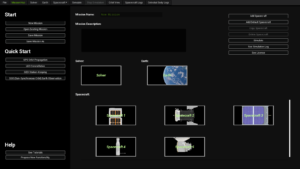
Mission Hub
The Mission Hub is the central workspace of SatModeler and represents the top-level mission definition environment.
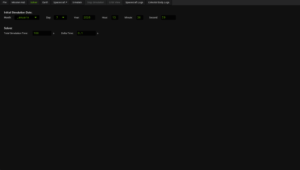
Solver Configuration
The Solver workspace defines the temporal structure of a simulation and controls how the system state is propagated over time within SatModeler.
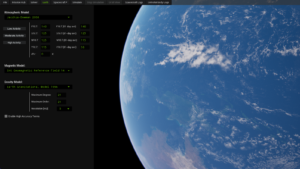
Earth Configuration
The Earth configuration workspace defines how the planet Earth is modeled internally by SatModeler during a simulation.
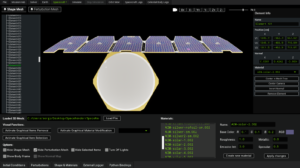
Spacecraft Configuration
Spacecraft Configuration is the most advanced and detailed workspace in SatModeler. It defines the complete physical, geometric, and dynamic model of each spacecraft participating in a mission, while also allowing users to inject custom Python code directly into the simulation loop.
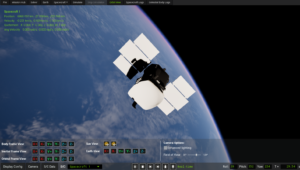
Orbit View
The Orbit View workspace is the primary 3D visualization and analysis environment in SatModeler. It allows users to inspect the orbital motion, attitude, reference frames, and external perturbations acting on spacecraft throughout the simulation timeline.